Find out here how to download the software
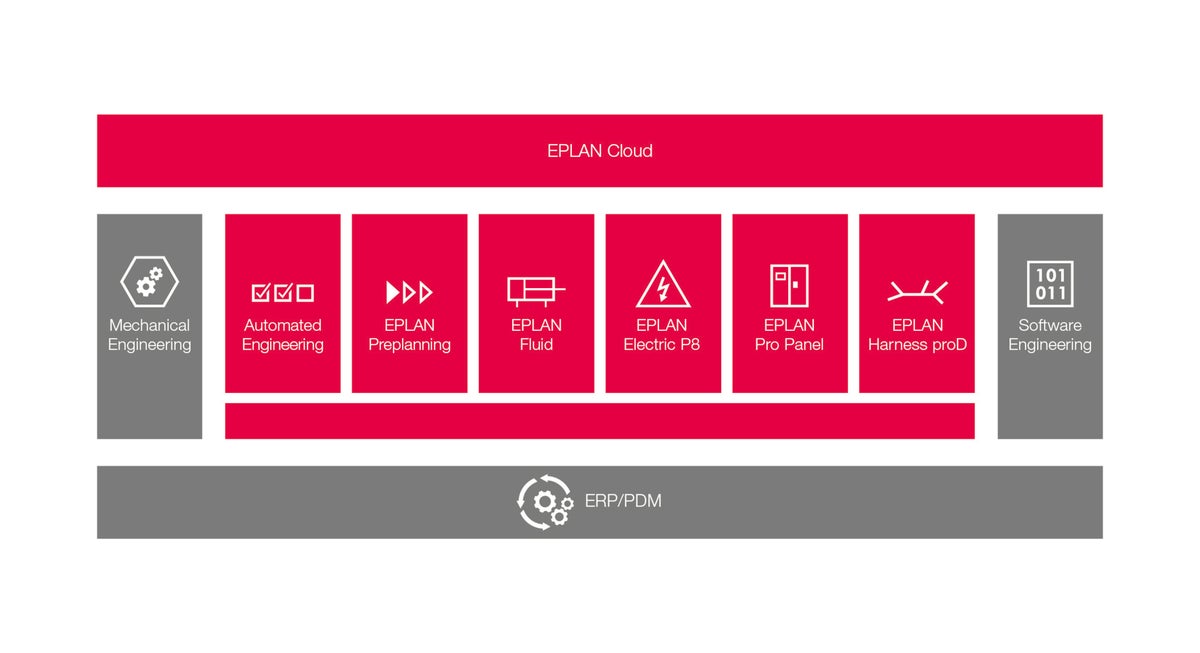
EPLAN Platform
EPLAN Recommendations
- Have your customer number and serial number ready.
- Make sure you have a stable internet connection for a quick download.
- Define a responsible contact person as the main administrator for the EPLAN ID or new company organization.
Download
- Go to the EPLAN download area.
- Enter your serial number and your customer number.
- Confirm that you have read and accept the "General Terms and Conditions for the Delivery of Software and the Provision of Services*" and click on the [Login] button.
- You will now be shown all ordered software products, navigate to the platform 2022 in the upper part of the homepage.
- Select the [Download] button.
- Start with step 1 of 3 - create your EPLAN ID and your company organization.
- Note: The initial creator in this step is automatically the main administrator of the new company organization created by EPLAN.
- In step 2, please request your Entitlement ID.
- In step 3, please download the desired software version via the corresponding hyperlink.
- Information: The "MD5" code provided directly under the link, allows easy verification of a download for correctness afterwards with an appropriate software tool.
- The download is started, ready!
